If you get this error below when accessing your Teams files, please follow the instructions below.
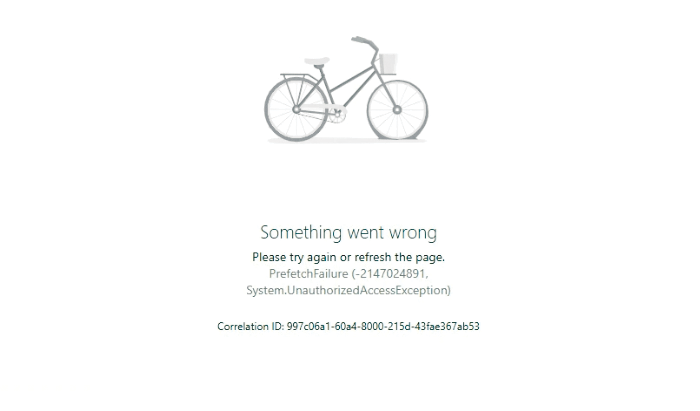
Something went wrong
Please try again or refresh the page.
PrefetchFailure (-2147024891, System.UnauthorizedAccessException)
If Teams is still running, right-click the Teams icon on the taskbar, and then select Quit.
Open the Run dialog box by pressing the Windows logo key +R.
In the Run dialog box, enter the following path, and then select OK.
%userprofile%\appdata\local\Packages\MSTeams_8wekyb3d8bbwe\LocalCache\Microsoft\MSTeams
Delete all files and folders in the directory.
Restart Teams.
Was this article helpful?
That’s Great!
Thank you for your feedback
Sorry! We couldn't be helpful
Thank you for your feedback
Feedback sent
We appreciate your effort and will try to fix the article